DownZero
Downloads that organise themselves.
DownZero watches your Downloads folder and silently moves every file into the right place the moment it lands. Rules you write once, order you keep forever. No cloud, no accounts, no subscriptions.
Version 1.4.0 · macOS 14.0+ · June 18, 2026
Buying on mobile? We'll email your Mac download and license after checkout.
One-time license
2 Macs · one-time
- Use on up to 2 Macs
- Updates to the current major version
- At least three years of macOS compatibility fixes
- 30-day money-back guarantee
- No account required to use the app
30-day money-back guarantee
Taxes may be added at checkout.
Get all 11 current ZeroApps utilities for one price. No subscription required.
Taxes may be added at checkout. See the license terms for update coverage.
See it in action.
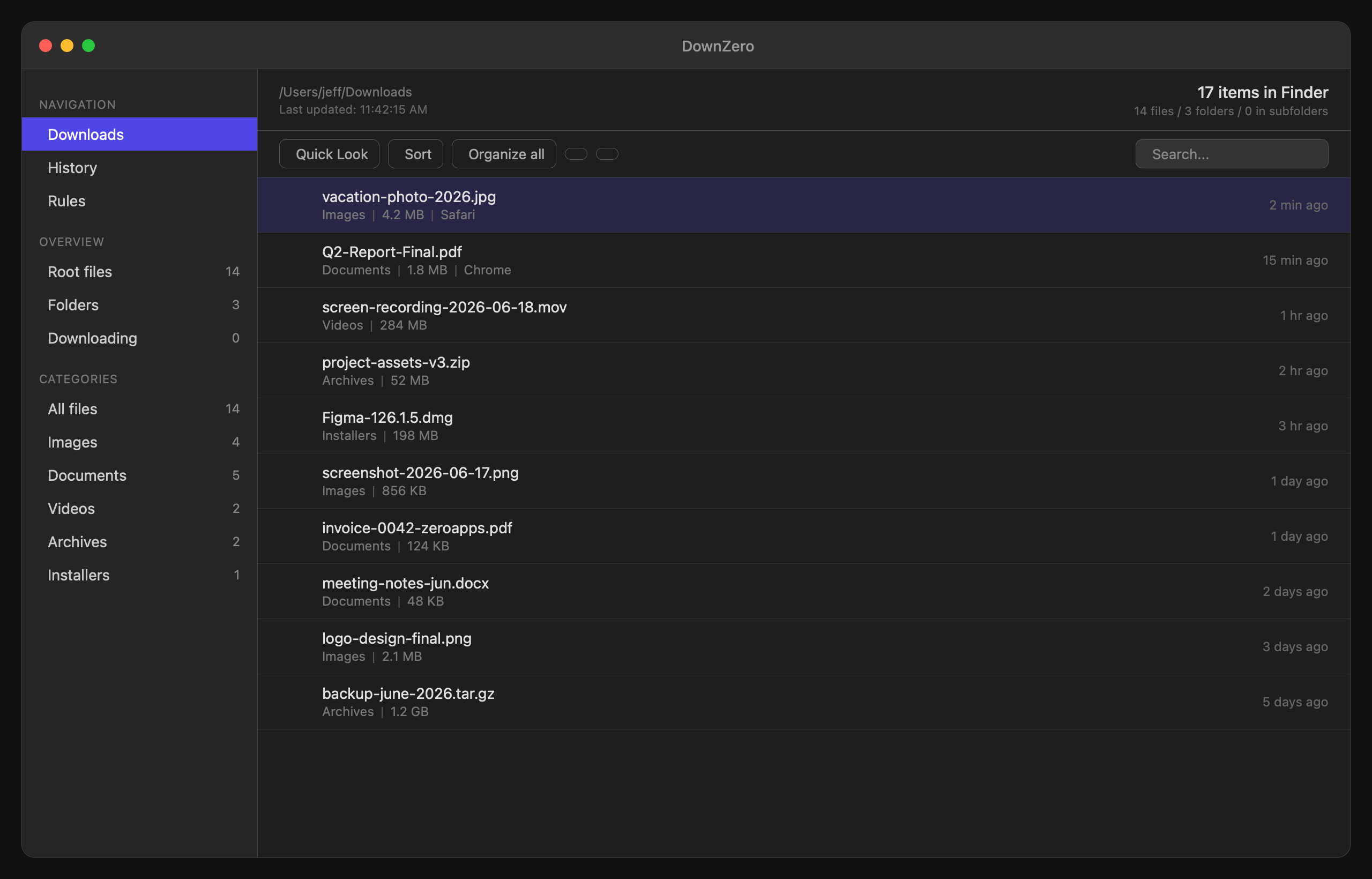
Main file list with categories
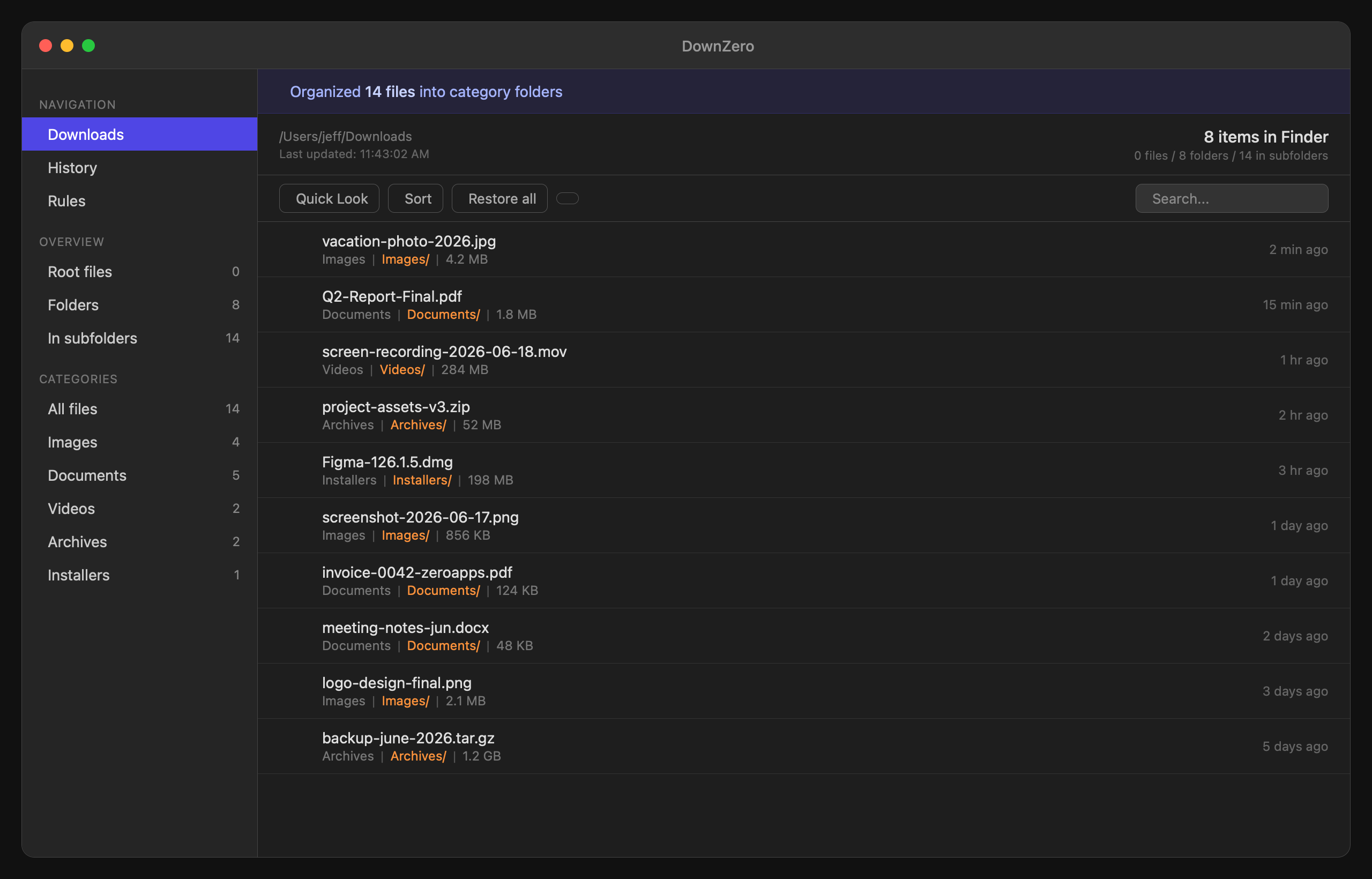
Files organized into category folders
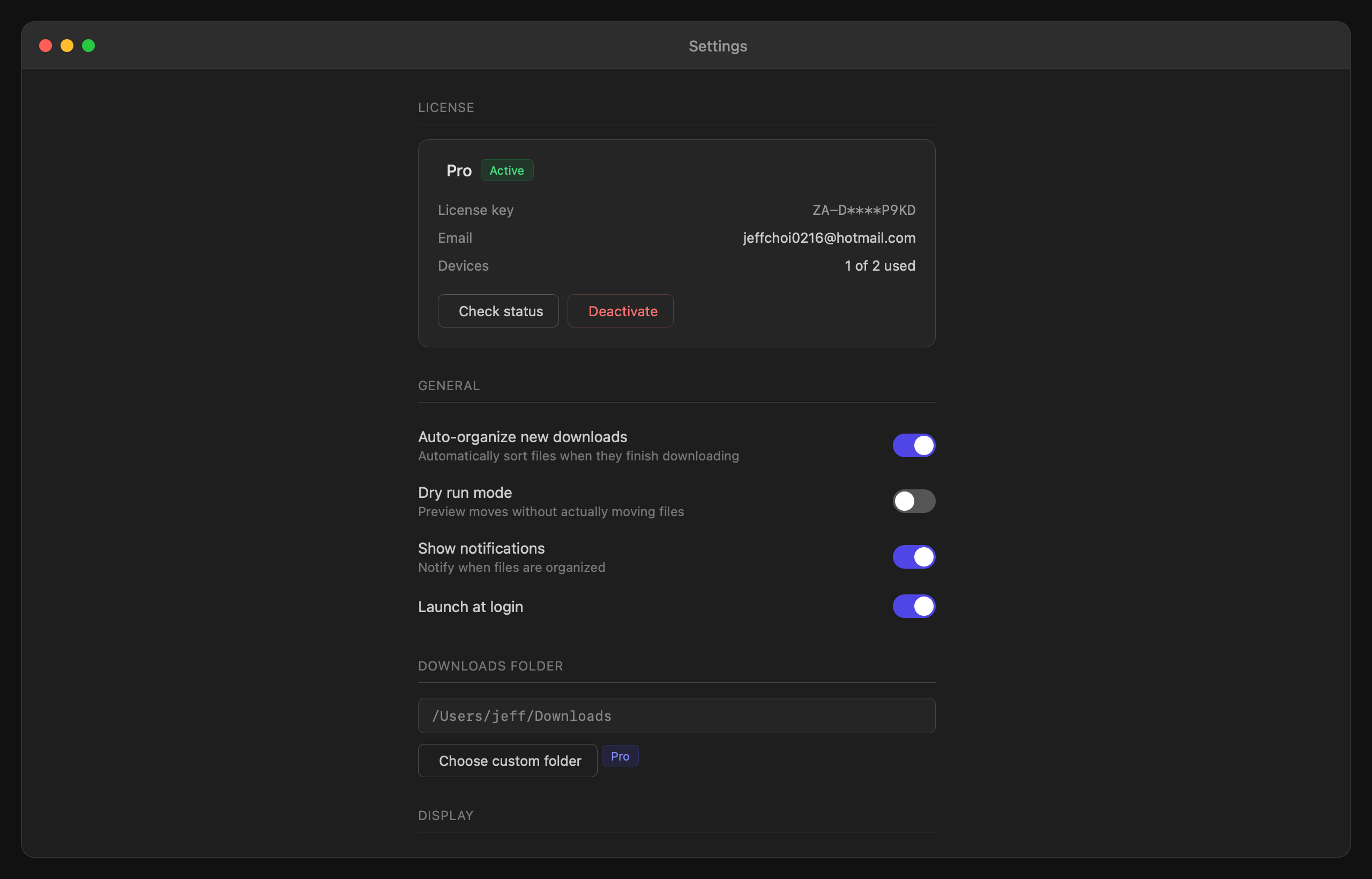
Settings with Pro license active
Free vs Paid
Try it free. Unlock everything with a one-time license.
Everything you need, nothing you don't.
Real-time watching
Files are sorted the instant they hit your Downloads folder. No polling delay, no manual runs.
Fully offline
DownZero never touches the network. Your files stay exactly where they belong — on your Mac.
Powerful rules
Match by name, extension, source URL, MIME type, or any combination. Chain conditions, set destinations.
Near-zero CPU
Built in Swift with FSEvents. Sits quietly in your menu bar and uses effectively no resources.
Undo everything
Made a bad rule? Every move is logged and reversible. Roll back any file to where it came from.
One-time purchase
No subscriptions. Pay once and keep the version you buy. Updates to the current major version and at least three years of macOS compatibility fixes included.
Release history
New - Sort files by name, size, or date - Quick Look preview — select a file and press Space - Multi-select files with Cmd+A, Shift+Click, or Cmd+Click Improved - License activation now works reliabl…
What's new - Smart duplicates: DownZero now detects when a file already exists at the destination and appends a unique suffix instead of overwriting - Rule groups: Organise rules into named groups wi…
Fixes - Fixed activation issue for users with non-ASCII characters in their username - Improved onboarding tooltip copy
Download 1.2.1 (4.6 MB)Guides
Learn more about DownZero
Common questions
Will it touch files I don't want moved?
DownZero only acts on rules you explicitly create. New installations start with zero rules and do nothing until you configure them.
Does it work with iCloud Drive Downloads?
Yes. DownZero uses FSEvents which works across all local and iCloud-synced volumes on your Mac.